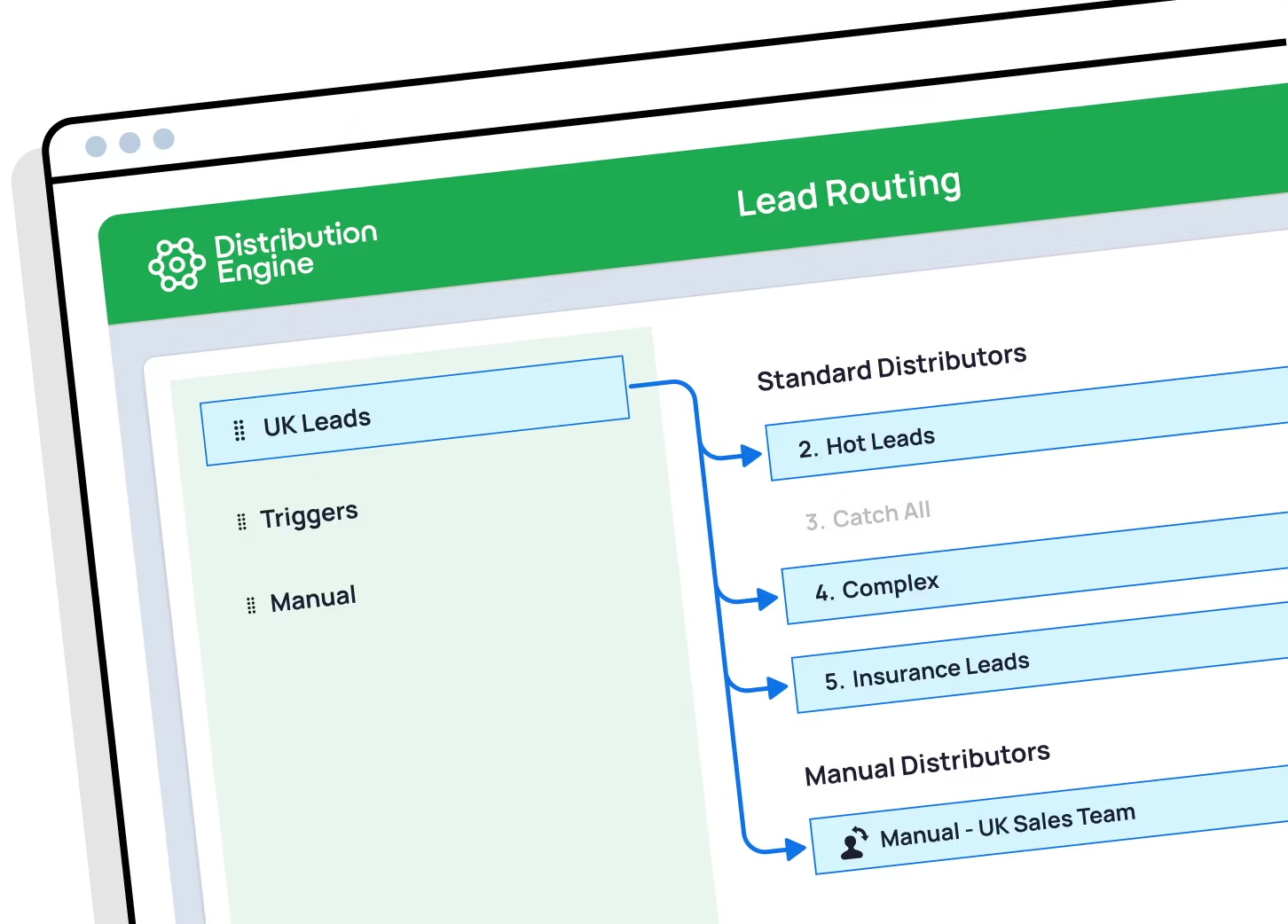
Lead-to-account matching in Salesforce, done automatically.
Connect every inbound lead to the account it belongs to — match on company name, domain and fuzzy variations, catch duplicates, and route straight to the account owner. All inside Salesforce, all no-code.
•
100% Salesforce-native
•
Live in minutes

Trusted for fair, fast routing by 20,000+ users since 2013.


What is lead-to-account matching in Salesforce?
Lead-to-account matching automatically links an inbound lead to the existing account it belongs to — and to related contacts and open opportunities. It lets you see whether a lead is already a customer or in an active deal, removes duplicates, and routes the lead to the account owner. Distribution Engine handles all of this natively inside Salesforce, with fuzzy matching on company name and domain so name variations still connect.
Does Salesforce have native lead-to-account matching?
Not really. Salesforce has duplicate management rules that catch exact or near-exact duplicates, but it has no built-in way to match a lead to the right account and route on the result. That's the gap Distribution Engine fills — it matches leads to Accounts, Contacts and Opportunities, then assigns them automatically, all without code.
How does fuzzy matching improve accuracy?
Exact-match rules only connect records when the text is identical, so “Acme Inc.”, “Acme Incorporated” and “Acme, LLC” are treated as three different companies. Fuzzy matching compares company names, email domains and web domains and scores the likelihood they're the same account — catching the near-misses that exact rules drop, while keeping a confidence threshold so you stay in control.
How do you handle duplicate accounts and name variations?
Distribution Engine checks each incoming record against your existing Accounts and Leads as it arrives, normalising company names and domains so variations and abbreviations are recognised. Matches are linked to the existing account; duplicates are flagged before a rep ever picks them up — so your data stays clean and reps stop working the same company twice.
Can I route matched leads to the account owner?
Yes — that's the most common reason teams use it. When a lead matches an existing account, Distribution Engine routes it straight to the rep or team who owns that account, so named-account and account-based selling motions work the way they're meant to. Genuinely new logos can follow a separate path, such as round robin across the new-business team.
How long does it take to set up?
Most teams have matching running the same day. It's point-and-click inside Salesforce — you choose the fields to match on, set a confidence threshold, and decide where matched and unmatched leads should go. No Apex, no consultant, and no data model to rebuild. You can trial Distribution Engine for free, or get in touch if you'd prefer to chat.
Does it work for account-based selling (ABM)?
It's the foundation of it. Account-based selling depends on every touch from a target account reaching the right account team. By matching inbound leads to their account and routing to the owner, Distribution Engine keeps your ABM motion intact — without exporting data to a separate platform.
How is this different from a data-enrichment tool?
Enrichment tools append third-party data to records, often by sending your data out to an external service. Distribution Engine matches against the live accounts already in your own org and routes on the result — it's 100% Salesforce-native, so nothing leaves Salesforce. See our comparison pages, for example Distribution Engine vs. LeanData, for a side-by-side.

%20dark.avif)