See exactly where every lead went — and why.
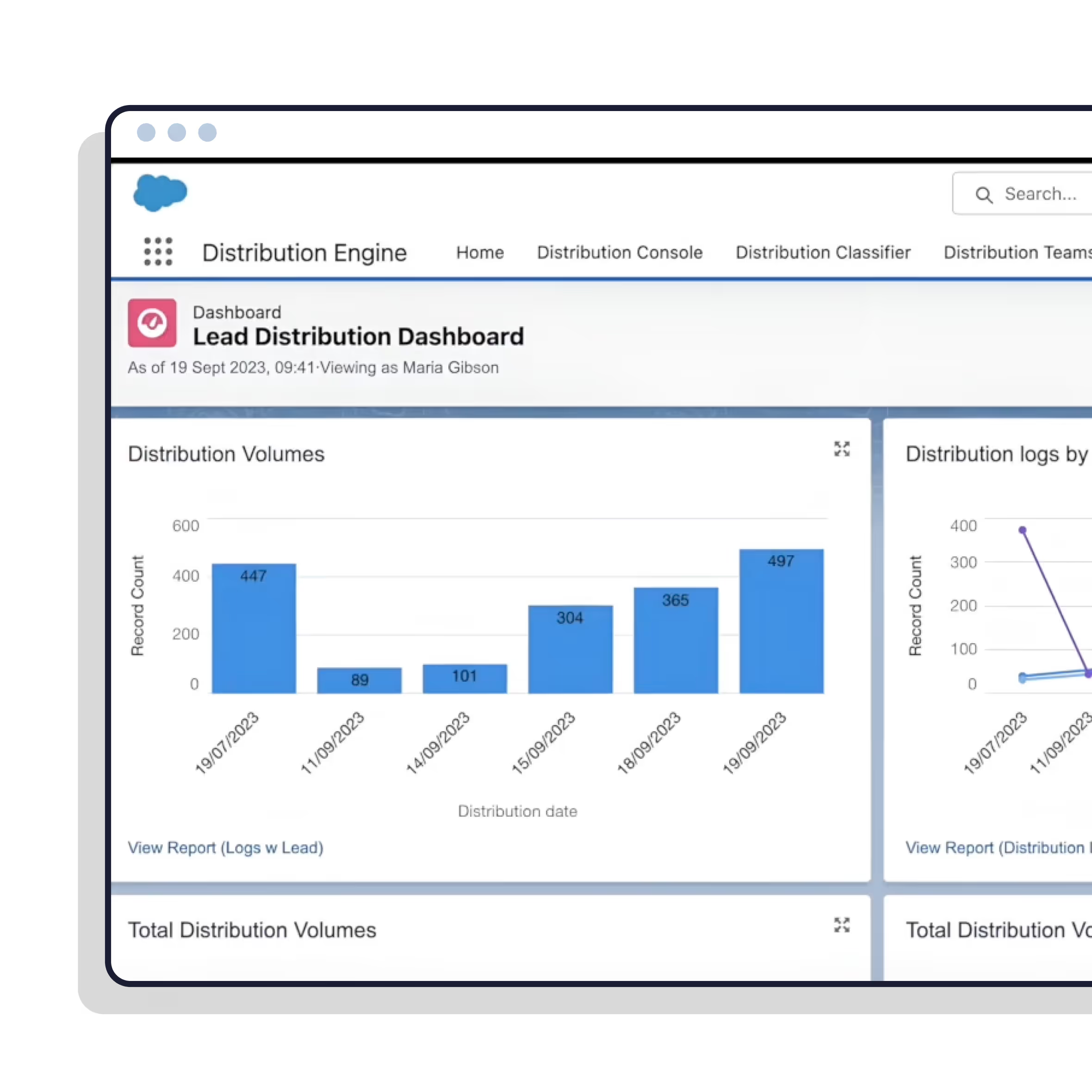
Track round-robin throughput, records assigned per rep, response times and SLA compliance in one place. Every routing decision is logged, so you can prove what happened instead of guessing.
•
100% Salesforce-native
•
Live in minutes
Trusted for fair, fast routing by 20,000+ users since 2013.


Stop guessing what your routing is doing.
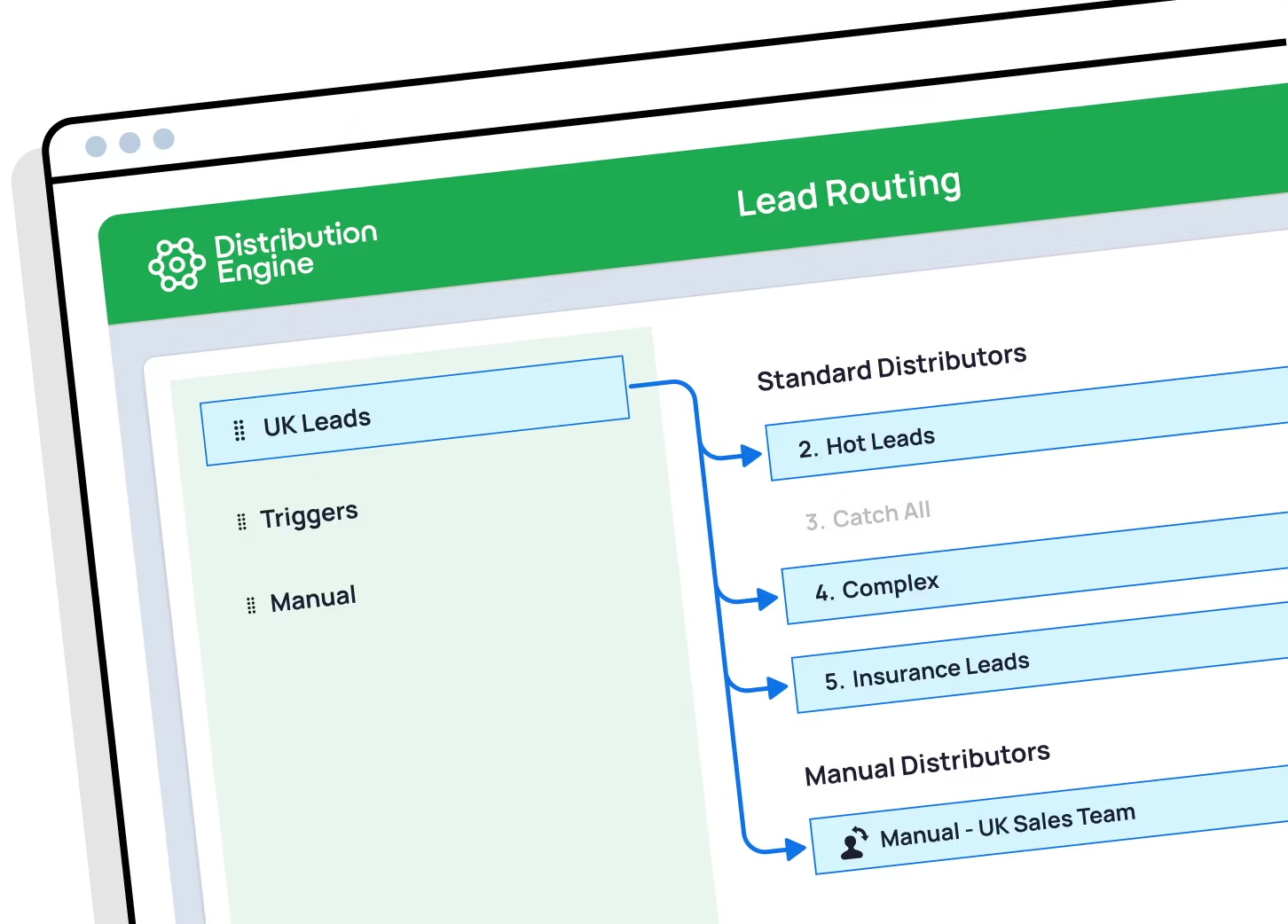
What is lead routing monitoring?
It’s the reporting layer over your assignment rules: how many records each rep received, how fast they responded, whether SLAs were met, and how evenly work is shared — plus an audit trail of every routing decision. Distribution Engine logs all of it in Salesforce, so it’s reportable with the tools you already use.
Is there a Salesforce lead routing tool that shows team performance?
Yes. Distribution Engine reports on how many records each rep was assigned, their response times, and their SLA compliance — broken down by rep, team, queue or lead source. Because everything is written to standard Salesforce objects, you can build these into the reports and dashboards you already run, without exporting data or buying a separate BI seat.
Can I get analytics on round-robin throughput?
Yes — that’s one of the things native assignment rules can’t give you. Distribution Engine tracks how many records went through each rotation, how they were split across the team, how long each took to action, and where leads are getting stuck. You can see whether the rotation is genuinely even, or whether caps, absences and skips have quietly skewed it.
Can I see why a particular lead was assigned to a rep?
Yes. The audit trail records which rule matched, who was in the running, who was skipped and the reason — at capacity, out of office, wrong territory. When a rep asks why they got a lead, or why they didn’t, you have an answer rather than an argument.
Does Salesforce report on lead assignment natively?
Partly. Salesforce reports well on the records themselves — you can count leads per owner easily enough. What it doesn’t capture is the routing process: which rule fired, who else was considered, who was skipped and why, or how throughput and response times are trending. That reasoning simply isn’t recorded by native assignment rules.
Will I be told when routing goes wrong?
Yes. Alerts can fire when leads are sitting unactioned, a queue is backing up, or a whole team has hit capacity — so problems surface while they’re still fixable, rather than at the end of the month.
Can I prove a routing change actually improved things?
That’s the point of measuring it. Compare response times, throughput and SLA compliance before and after a rule change, and you can show whether the new setup is better — instead of relying on the loudest opinion in the room.
Do I need a BI tool to use this?
No. Everything Distribution Engine records lives in standard Salesforce objects, so you report and dashboard on it exactly like any other data in your org. There’s nothing to export, no warehouse to feed, and no extra licence to buy.
%20dark.avif)