Assigned in a second. Seen in the next one.
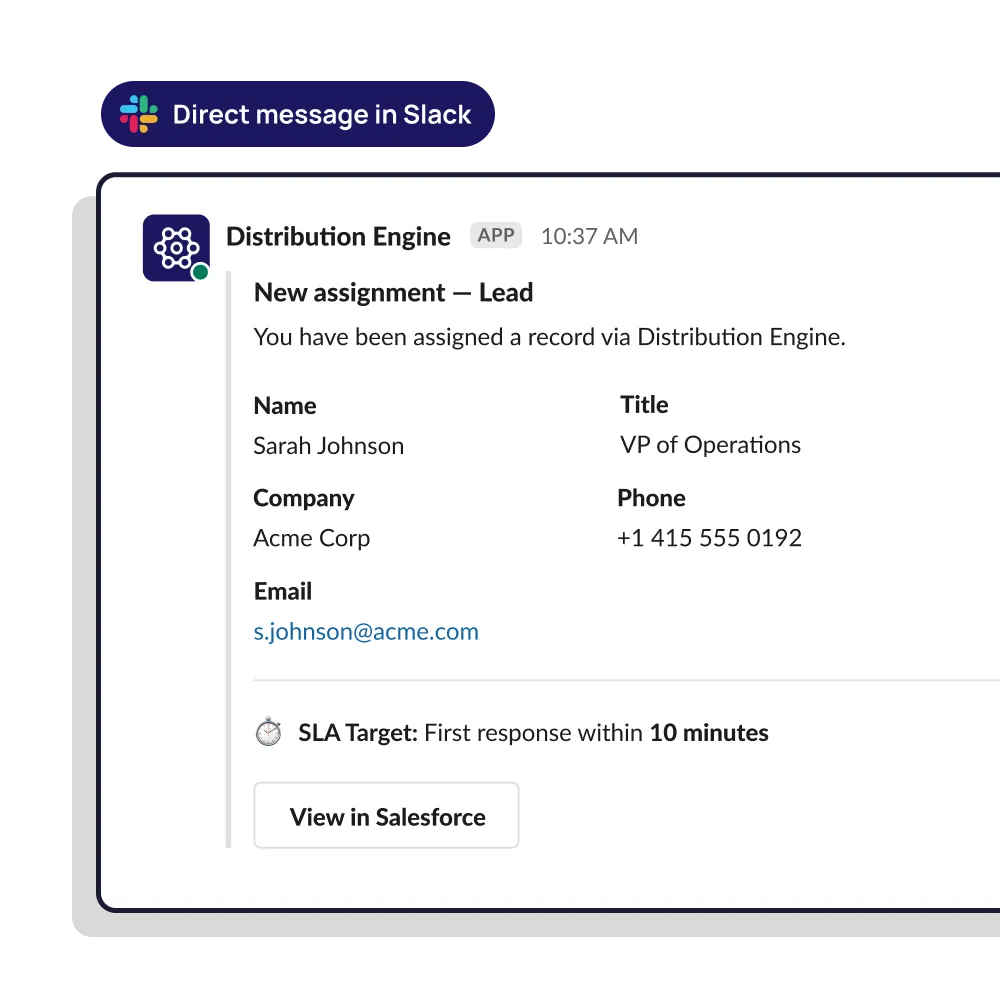
Distribution Engine alerts the owner in Slack, email or on mobile the moment a lead is assigned — with the record, the context and a one-tap claim. If nobody responds, it chases, escalates, and re-routes.
•
100% Salesforce-native
•
Live in minutes
Trusted for fair, fast routing by 20,000+ users since 2013.


Make sure your leads are seen, not just assigned.
How do you automate lead assignment and notification to hit sub-five-minute response times?
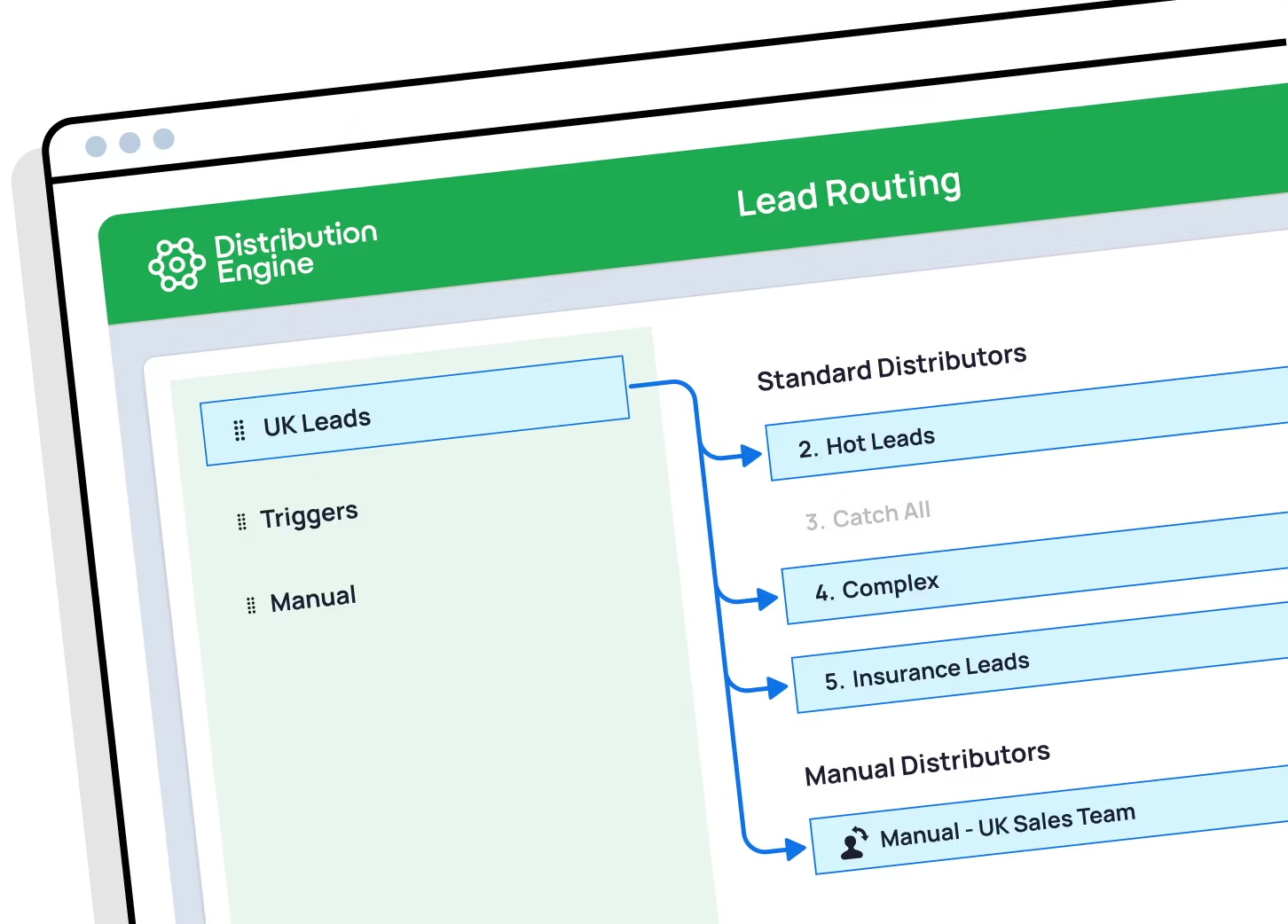
Four steps, all automatic. Assign the lead the instant the record is created, rather than on a schedule. Route it only to a rep who is available and has capacity, so the clock doesn’t start on an empty desk. Alert them in Slack or on mobile with enough context to act, and a way to claim it in one tap. Then, if there’s no response inside your SLA, nudge them, escalate to a manager, and re-route to the next available rep. Distribution Engine does all four natively in Salesforce, without code.
Can you guarantee real-time lead routing with instant rep notification?
Routing and alerting happen in real time — the moment the record is created, inside your org, with no middleware hop or polling delay to sit through. What no vendor can honestly guarantee is that a human picks up the phone. What Distribution Engine can guarantee is that the lead reaches an available rep immediately, that they’re told about it where they’re already working, and that if they don’t respond, it escalates and re-routes rather than going quiet.
Can reps get lead alerts in Slack?
Yes — as a direct message or a channel post, with the lead’s details included and buttons to claim, reject or open the record. That matters because reps live in Slack, not in a Salesforce list view. High-value leads can also be posted to a shared channel so the whole team sees them land.
Doesn’t Salesforce already email reps about new leads?
It can, and for some teams that’s enough. The limits show up quickly, though: the email lands in a crowded inbox, the rep can’t action it without opening Salesforce, and nothing happens if they never see it. There’s no reminder, no escalation and no re-routing. That gap between “alert sent” and “lead worked” is what this is for.
What happens if a rep ignores the notification?
You decide the chain. A typical setup nudges the rep after a couple of minutes, alerts their manager at five, and re-routes the lead to the next available rep shortly after. The lead keeps moving rather than sitting unread, and the whole sequence is logged so you can see where the time went.
Can reps claim a lead from the alert itself?
Yes. Claim, accept or reject straight from Slack or the mobile alert, and Salesforce updates behind the scenes. Removing the “open Salesforce, find the record” step is often what turns a five-minute response into a one-minute one.
Can I alert managers or a channel instead of one rep?
Yes. Post big leads into a shared channel, alert a manager when an SLA is about to breach, or warn the team when a queue is backing up. Notifications aren’t only for the owner — they’re also how problems surface before they cost you pipeline.
What can I put in the notification?
Any fields you like — company, source, deal size, territory, the reason it was routed to them. The aim is to give a rep enough to judge whether to drop what they’re doing, without opening the record. A ping that says “you have a new lead” and nothing else usually gets ignored.
%20dark.avif)