Every lead, straight to the rep who owns the account.
When a lead belongs to an existing account, it should never hit the general pool. Distribution Engine routes it to the account owner automatically — and handles the messy cases: unowned, shared and stale accounts.
•
100% Salesforce-native
•
Live in minutes

Trusted for fair, fast routing by 20,000+ users since 2013.


Keep every lead with the rep who owns the relationship.
What is account-ownership routing?
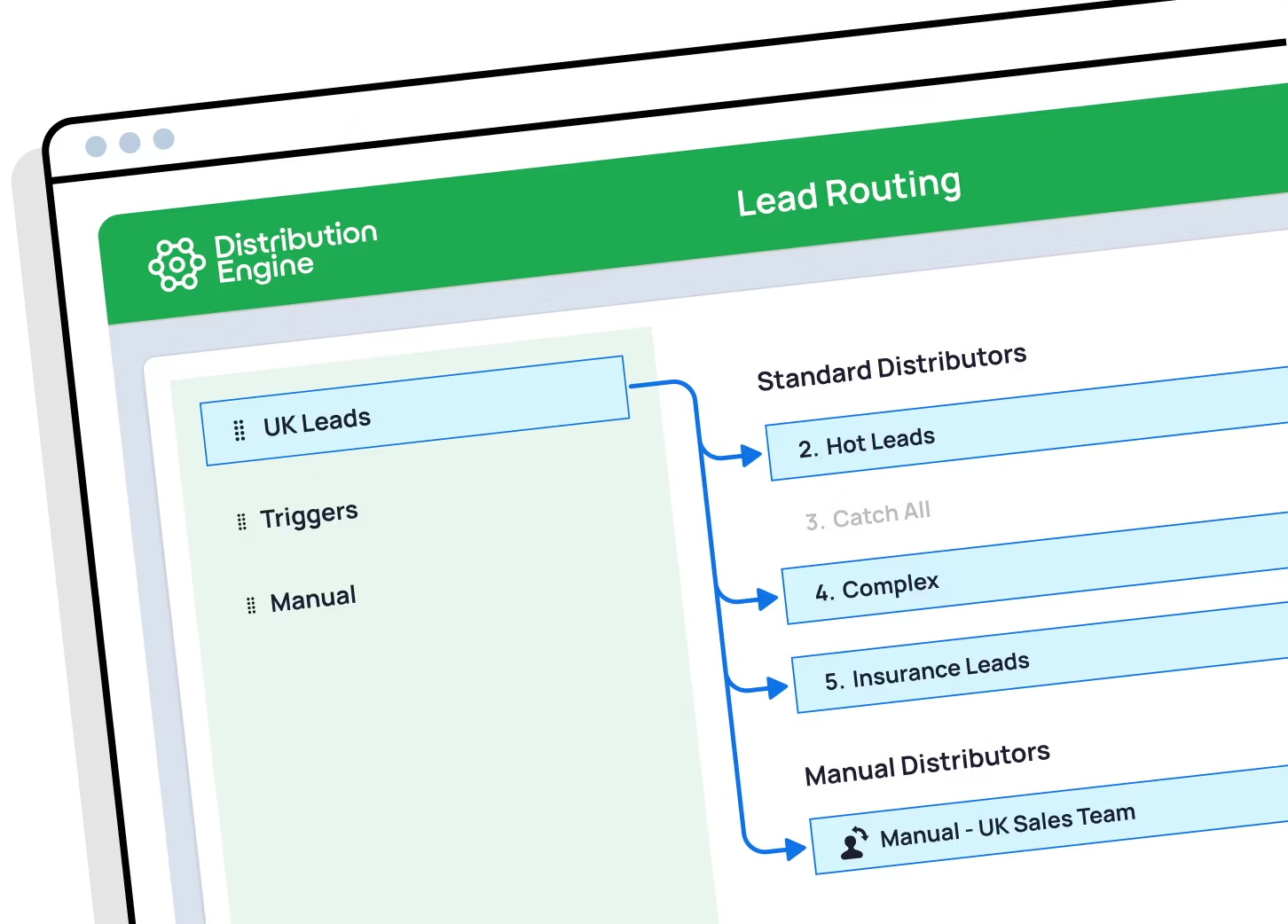
Account-ownership routing assigns each inbound lead to the rep who owns the matching account, rather than sending it into a shared pool. It keeps every touch from an existing or target account with the person who holds the relationship. Distribution Engine reads the account owner in Salesforce, routes the lead to them automatically, and applies your fallback rules when there’s no owner.
How do I match inbound leads to the right account owner in an ABM model?
Two steps. First, match the lead to its account — on company name and email domain, allowing for name variations. Then route on ownership: look up who owns that account and assign the lead to them, falling back to the account team or a new-business queue when nobody owns it. Distribution Engine does both inside Salesforce, so your ABM coverage model holds without exporting data anywhere.
Can Salesforce route leads to the account owner natively?
Not out of the box. Salesforce lead assignment rules evaluate fields on the Lead record itself — they can’t reach across to a matched Account and assign the lead to whoever owns it. Teams usually solve this with Apex or manual reassignment. Distribution Engine does it point-and-click, with rules for the awkward cases too.
What happens when an account has no owner?
You choose the fallback. Unowned accounts can go to a new-business round robin, a territory rule, or a named-account queue for manual claim. The point is that the lead keeps moving — it never stalls just because the ownership field was blank.
What about shared accounts with more than one owner?
Route to the account team rather than a single person, and round robin within it. That suits coverage models where an AE, an SDR and a CSM all touch the same account — the lead reaches the right team, and distribution inside it stays fair.
What if the account owner has left or is out of office?
Distribution Engine checks availability before assigning. If the owner is inactive, on holiday or off-shift, the lead is rerouted to their backup or the account team, so a stale ownership field never leaves a lead unworked.
Can I combine ownership routing with territory or round robin?
Yes, and most teams do. A typical chain checks account ownership first, then falls through to territory rules for unowned accounts, then round robin for anything left. You set the order, and Distribution Engine evaluates it top to bottom on every record.
How does this compare to LeanData or Traction Complete?
All three support account-based and territory-based assignment. Distribution Engine’s difference is that it’s 100% Salesforce-native and no-code — ownership is read live from your own org rather than a synced copy, nothing leaves Salesforce, and the ops team can change the rules without a consultant. See our comparison pages, for example Distribution Engine vs. LeanData, for a side-by-side.
%20dark.avif)