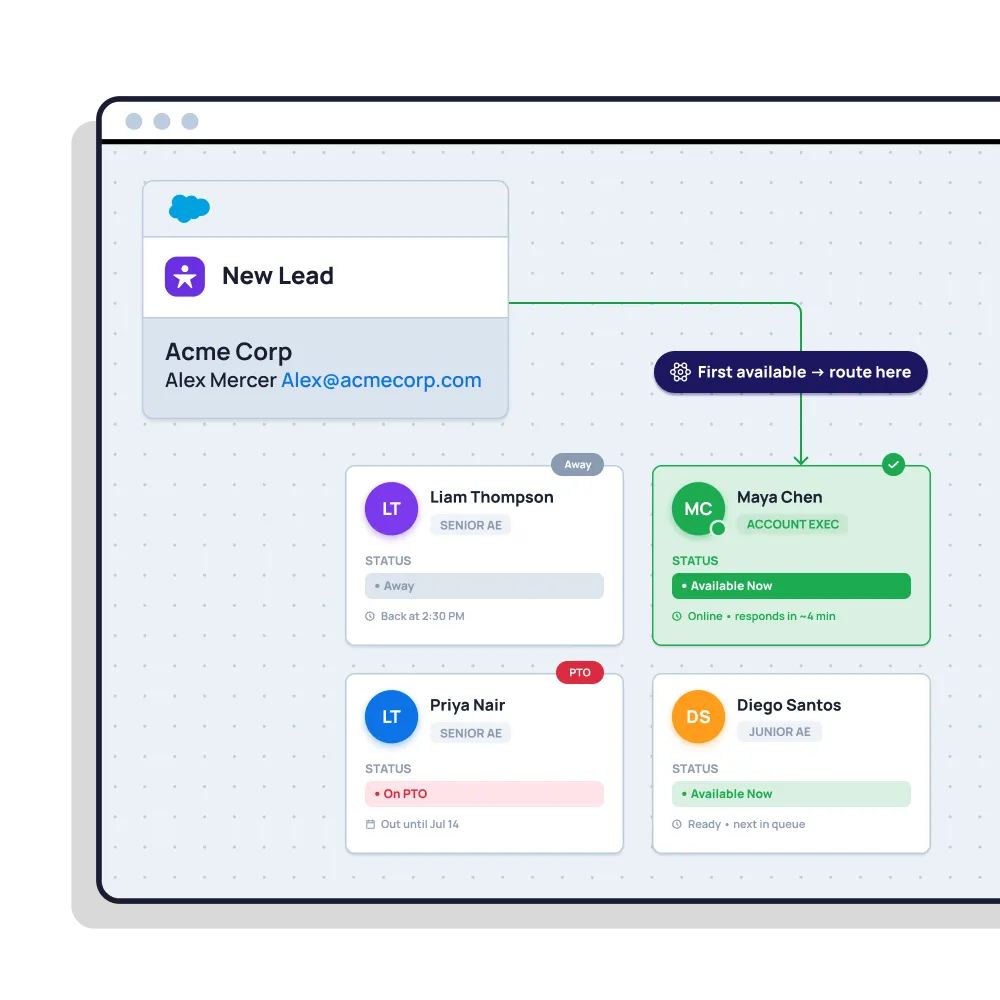
Lead routing · Availability

Never route a lead to someone who isn’t there.

Skip reps who are out of office, on holiday or off-shift. Respect working hours and time zones. And decide what happens to the leads that land at 2am — automatically, inside Salesforce.

4.9  AppExchange Rating

100% Salesforce-native

Live in minutes

A screenshot of Distribution Engine, the lead routing tool from NC Squared

Trusted for fair, fast routing by 20,000+ users since 2013.

The problem

A lead assigned to an empty desk is a lead lost.

Leads sit in an empty inbox

A rep goes on holiday for two weeks, and the rotation keeps feeding them leads the whole time — nobody notices until the pipeline review.

The 2am lead has nowhere to go

Inbound doesn’t stop when the office closes. Without a rule for after-hours leads, they land with someone who won’t see them for nine hours.

Salesforce doesn’t know who’s in

There’s no out-of-office concept in native lead assignment. The rules will happily hand a lead to someone who left the company last month.

In short

What is availability-based lead routing?

Availability-based routing only assigns leads to reps who are actually able to work them right now. It checks each rep’s working hours, time zone, shift pattern and out-of-office status before assigning, and skips anyone who’s away. Distribution Engine lets reps set their own out-of-office in Salesforce, honours team calendars and holidays, and gives you a rule for after-hours leads — so nothing lands on an empty desk.

Read story
Beyond the basics

Routing that knows who’s actually at their desk.

Availability changes hour by hour. Your routing should keep up with it on its own.

Out-of-office, self-served

Reps flag their own holiday or absence in Salesforce. They’re skipped automatically while they’re away, and folded back in when they return.

Working hours & holidays

Set working hours per team, and load your public holidays. Nobody gets a lead on a day the office was never open.

Time-zone aware

A rep in PST isn’t “available” at 9am GMT. Distribution Engine routes against each rep’s local clock, not the org’s.

Shift patterns & follow-the-sun

Run shifts, or hand leads across regions as the day moves. Whoever is on shift takes the lead, wherever they are.

A rule for after-hours leads

Hold overnight leads in a queue for the morning, send them to an on-call rep, or pass them to the next region that’s awake.

100% Salesforce-native

Availability lives on your own user records — no external rota tool to sync, and no data ever leaving Salesforce.

Distribution Engine vs. native Salesforce

How availability-aware routing compares to native Salesforce.

Salesforce has Business Hours and Holidays objects, but native lead assignment rules don’t consult them — and there’s no out-of-office concept at all.

Capability
Native Salesforce
Distribution Engine
Even round robin rotation
Weighted distribution
Capacity caps & live workload balancing
Availability, shifts & out-of-office
Skills, territory & account matching
Limited
Auto-reassign on SLA breach
Round robin any object (not just Leads)
No-code edits by the team that owns the work
Audit trail & reporting in Salesforce
Basic
Capability
Native Salesforce
Distribution Engine
Skip out-of-office reps when assigning
Reps set their own out-of-office
Assignment respects working hours
Business Hours exist, unused by rules
Per-rep time zones
Shift patterns & follow-the-sun
Rules for after-hours leads
Skip inactive or departed users
No-code setup by the ops team
The Payoff

Leads reach someone who can act on them.

<
10
min
average response time
across customers
97
%
routing accuracy
across customers
40
%
higher lead conversion
8
hrs
saved every day

"Distribution Engine has totally transformed how we handle lead distribution. It’s fast, reliable, and keeps us ahead of the game."

Read story
Justin Norris
Director of Marketing & BDR Operations
Get started

Send every lead to someone who’s actually there.
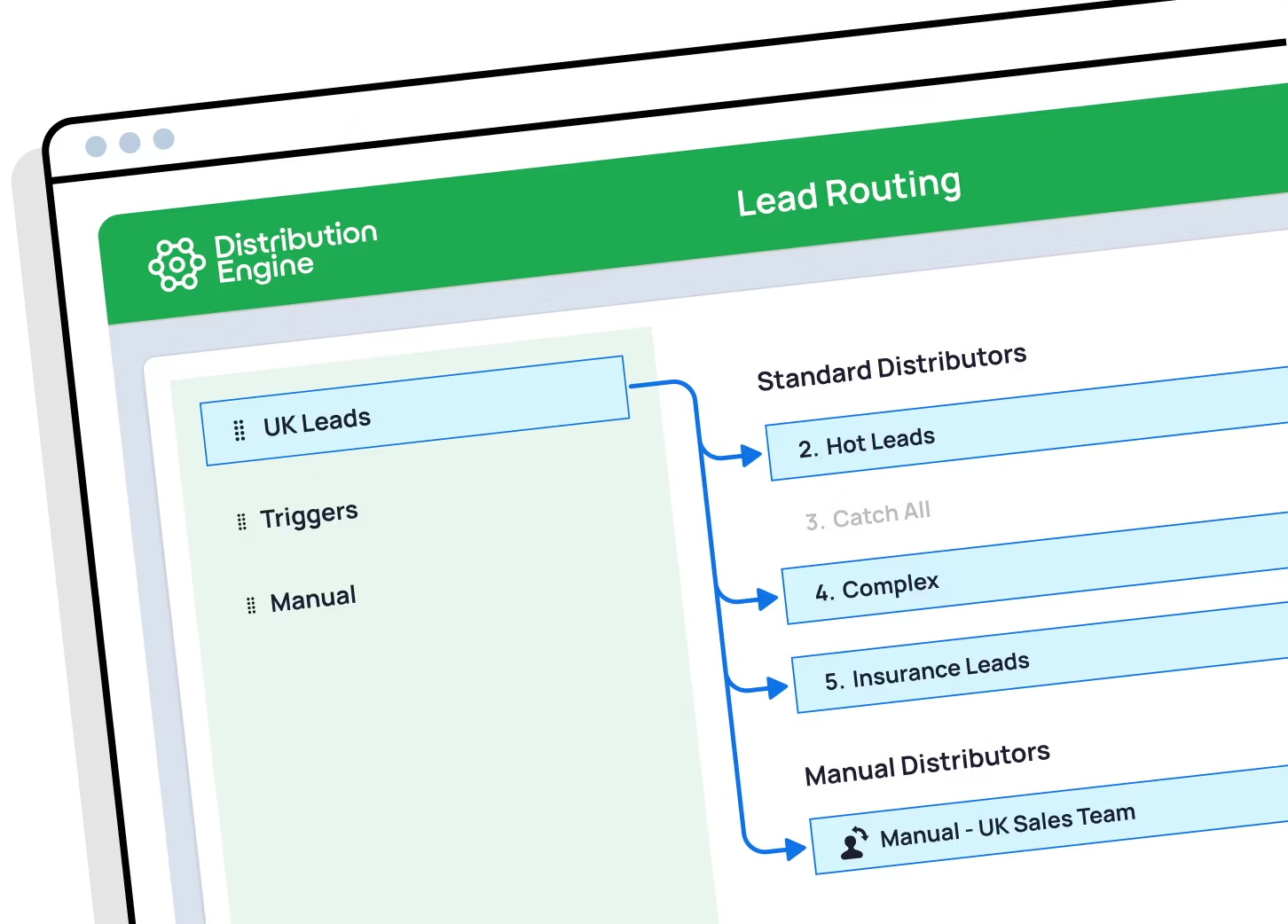
See availability-aware routing working in your own org. You can trial Distribution Engine for free, or get in touch if you’d prefer to chat.

Your questions answered.

Availability routing FAQs.

What is availability-based lead routing?

How do I stop leads going to reps who are out of office?

Does Salesforce support out-of-office for lead assignment?

What happens to leads that arrive out of hours?

Can routing respect different time zones?

Can I run shift patterns?

Does it also skip reps who are overloaded?

What if a rep leaves the company?

How is round robin in Distribution Engine different from native Salesforce assignment rules?

Can I weight round robin so some reps get more leads?

How do I keep round robin fair when reps are on holiday or out of office?

How do I route leads by territory and still keep round robin?

Can I round robin cases and other objects, not just leads?

What happens if a rep doesn't action their lead in time?

Is it really no-code?

How does Distribution Engine compare to other round robin tools?

Is Distribution Engine Salesforce-native?

Does workload routing work alongside round robin?