Lead routing · Route by role

Route leads and cases to the right person every time.

Send net-new leads to SDRs, qualified ones to AEs, renewals and expansions to CSMs — and automate the handoff between them. Every record reaches the right lane before anyone argues about whose turn it is.

4.9  AppExchange Rating

100% Salesforce-native

Live in minutes

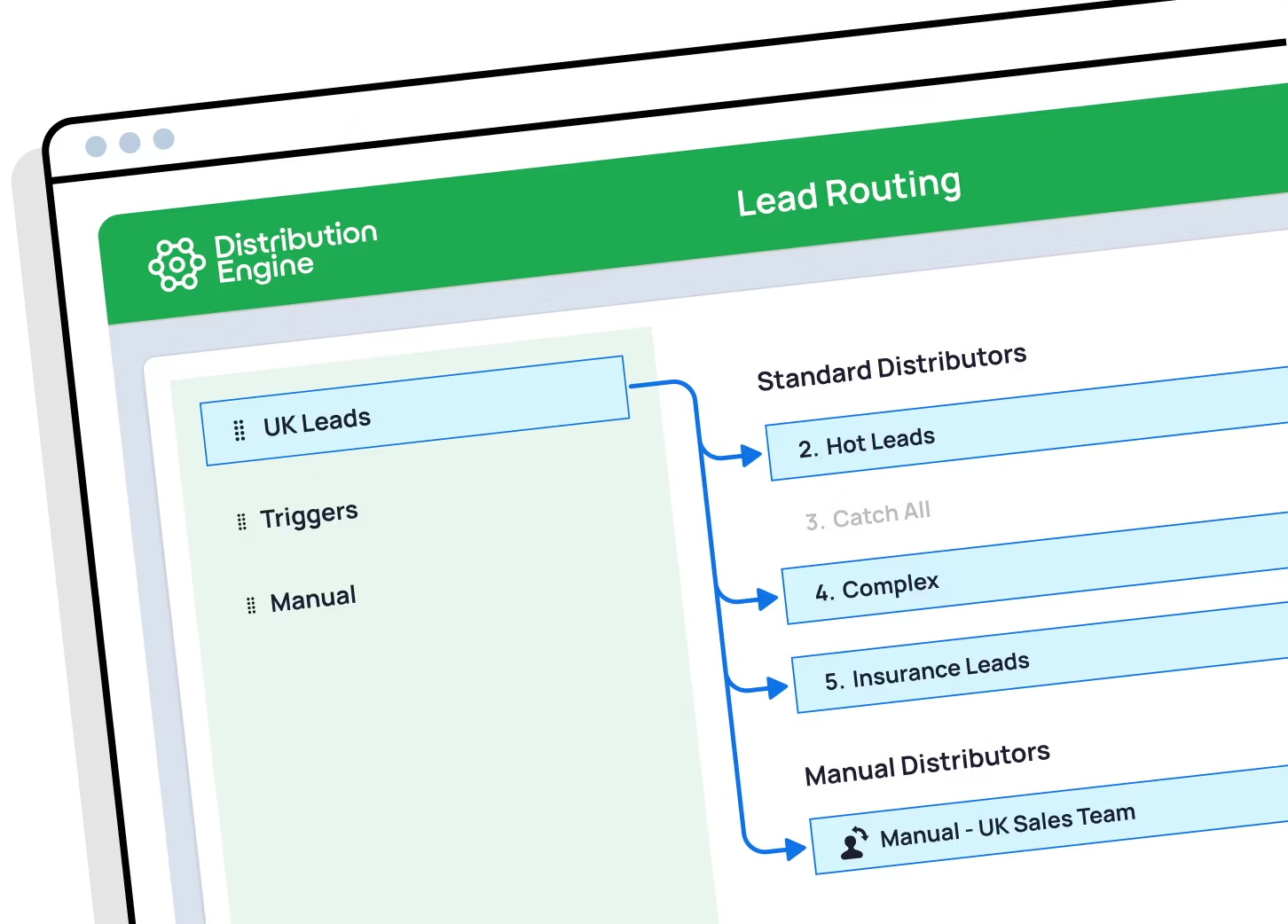
A screenshot of Distribution Engine, the lead routing tool from NC Squared

Trusted for fair, fast routing by 20,000+ users since 2013.

The problem

The right person in the wrong role can't help.

AEs doing SDR work

Raw, unqualified leads land with senior AEs who should be closing. They get worked badly, or not at all — and the SDR team sits idle.

The handoff is a Slack message

An SDR qualifies a lead, then pings an AE and hopes. Nothing enforces it, nothing times it, and nothing catches it when the AE doesn’t pick it up.

Salesforce roles aren’t for routing

The Salesforce role hierarchy controls who can see what. It was never designed to decide which type of rep should work an incoming lead.

In short

What is role-based lead routing?

Role-based routing sends each record to the right function in your sales org — SDR, AE, CSM, partner manager — before deciding which individual gets it. Net-new leads go to prospecting, qualified ones to closers, existing customers to the account team. It also governs the handoff between roles, so a lead an SDR qualifies moves to an AE automatically. Distribution Engine runs these lanes as one rule chain in Salesforce, then round robins within whichever team the record lands in.

Read story
Beyond the basics

Lanes that hold, handoffs that don’t drop.

Define the funnel once, and every record finds its own way to the right role.

A lane for every role

SDR, AE, CSM, partner or channel manager — define the roles you actually run, and send each record to the right one.

Automate the SDR → AE handoff

When an SDR qualifies a lead, it passes to an AE automatically — assigned, alerted and on the clock, not sitting in a Slack thread.

Round robin inside the role

Once a record reaches the right team, share it fairly among them — right role and even distribution, not one at the cost of the other.

New business vs existing customers

Split leads from known accounts away from net-new logos, so customers reach their account team and prospects reach the hunters.

Escalate up the line

Send strategic or high-value records straight to senior reps or managers, and escalate anything a role can’t take.

100% Salesforce-native

Roles are read from your own users and teams — no parallel org chart to maintain, and no data leaving Salesforce.

Distribution Engine vs. native Salesforce

How Distribution Engine's role-based routing compares to native Salesforce.

Salesforce roles decide who can see a record. They don’t decide who should work it — and they can’t move it on when the stage changes.

Capability
Native Salesforce
Distribution Engine
Even round robin rotation
Weighted distribution
Capacity caps & live workload balancing
Availability, shifts & out-of-office
Skills, territory & account matching
Limited
Auto-reassign on SLA breach
Round robin any object (not just Leads)
No-code edits by the team that owns the work
Audit trail & reporting in Salesforce
Basic
Capability
Native Salesforce
Distribution Engine
Role hierarchy for record visibility
Yes
Route inbound records by role
Automate the SDR → AE handoff
Round robin within a role
Split new business from existing customers
Escalate high-value records to seniors
Re-route when the handoff isn’t picked up
No-code setup by the ops team
The Payoff

The impact on lead management

97
%
routing accuracy
across customers
40
%
higher lead conversion
8
hrs
saved every day
<
10
min
average response time
across customers

"I cannot say enough wonderful things about this app! It gives our teams the flexibility to manage the assignment rotation how they need to without investing multiple hours each day into the manual distribution of cases."

Read story

Becca Allen
Product Manager, Salesforce Configuration Lead
Get started

Put every lead in the right lane.
See role-based routing working in your own org. You can trial Distribution Engine for free, or get in touch if you’d prefer to chat.

Your questions answered.

Role-based routing FAQs.

What is role-based lead routing?

Role-based or skills-based routing — what’s the difference?

Can I automate the SDR to AE handoff?

Can I use the Salesforce role hierarchy for routing?

Can I route leads from target accounts straight to dedicated AEs?

What about existing customers and renewals?

Can senior reps get the high-value leads?

How do the lanes work together?

How is round robin in Distribution Engine different from native Salesforce assignment rules?

Can I weight round robin so some reps get more leads?

How do I keep round robin fair when reps are on holiday or out of office?

How do I route leads by territory and still keep round robin?

Can I round robin cases and other objects, not just leads?

What happens if a rep doesn't action their lead in time?

Is it really no-code?

How does Distribution Engine compare to other round robin tools?

Is Distribution Engine Salesforce-native?

Does workload routing work alongside round robin?