Lead routing · Capacity-based routing

Route by workload, so no rep is buried.

Set a capacity limit for every rep, cap how many leads they take a day or a week, and skip anyone already at their limit. Work gets spread by how much people are actually carrying — not just whose turn it is.

4.9  AppExchange Rating

100% Salesforce-native

Live in minutes

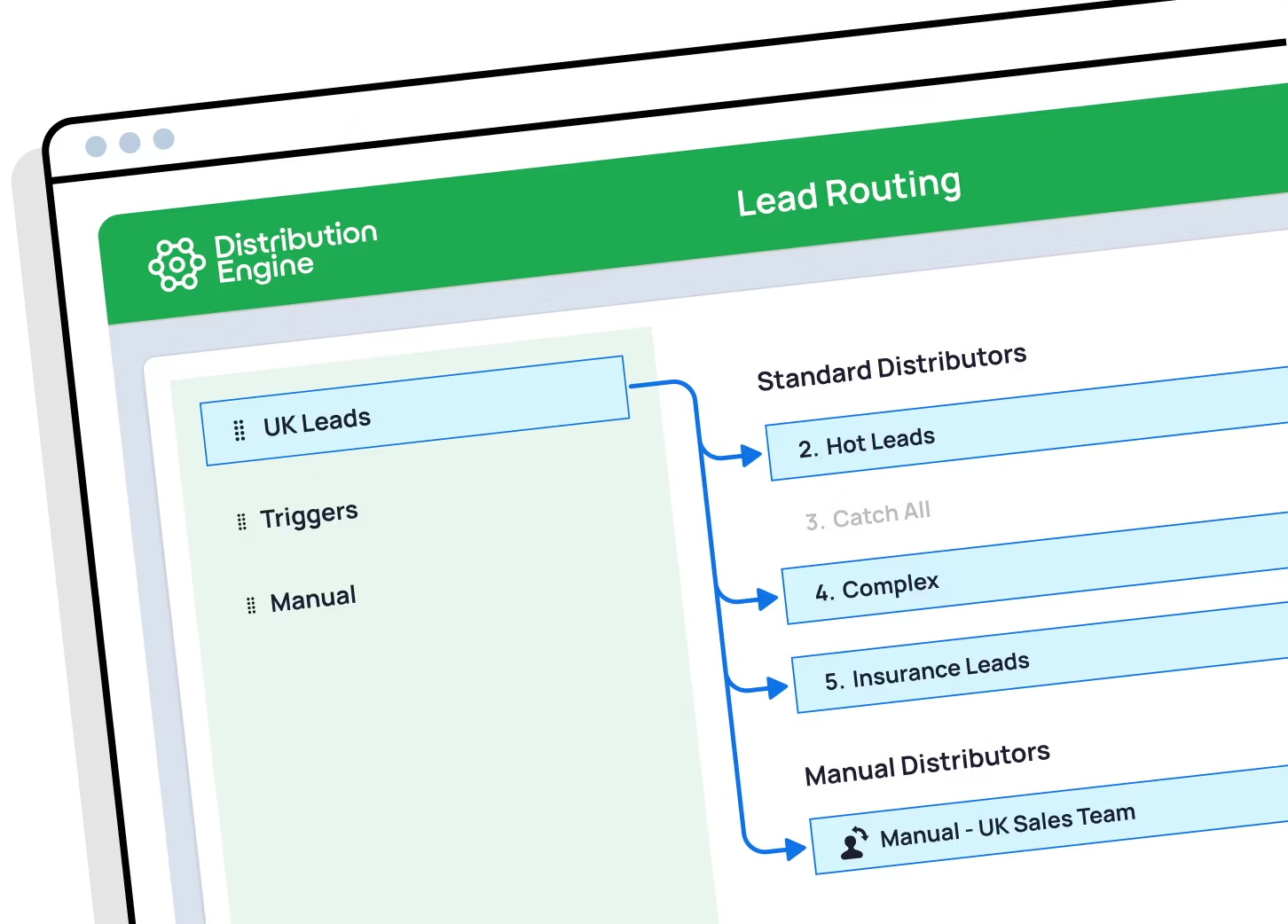
A screenshot of Distribution Engine, the lead routing tool from NC Squared

Trusted for fair, fast routing by 20,000+ users since 2013.

The problem

An even split isn’t a fair split.

Plain rotation ignores the backlog

Round robin hands everyone the same number of leads — even the rep already sitting on forty untouched ones. Fair on paper, broken in practice.

Overloaded reps drop leads

Past a certain point, more leads don’t mean more revenue — they mean slower responses, thinner follow-up, and good leads quietly going cold.

Salesforce can’t see capacity

Native assignment rules have no concept of how much a rep is already carrying, and no way to cap what they’re given.

In short

What is workload-based lead routing?

Workload-based routing assigns each new lead to the rep with the most room to take it, rather than simply the next name in the rotation. It counts what each rep is already carrying — open leads, active cases, deals in flight — and skips anyone at their capacity limit. Distribution Engine lets you set caps per rep, per day or per week, balance by live open workload, and hold anything that can’t be placed, all inside Salesforce.

Read story
Beyond the basics

Distribution that respects how much people can carry.

Set the limits once, and every routing decision honours them automatically.

Balance by live workload

Route the next lead to whoever has the fewest open records right now — measured live in your org, not from a static list.

Daily & weekly caps

Limit how many leads any rep can receive in a day or a week. Once they hit the cap, they’re skipped until it resets.

Weighting for stronger reps

Give senior or higher-converting reps a bigger share of the volume, while still respecting everyone’s ceiling.

Count what matters to you

Define workload your way — open leads, unworked leads, active cases or open opportunities. Any object, any criteria.

Nothing falls through

If the whole team is at capacity, hold leads in a queue, alert a manager, or overflow to a backup team — your call.

100% Salesforce-native

Workload is counted live against your own records — no external queue service, and no data ever leaving Salesforce.

Distribution Engine vs. native Salesforce

How capacity-aware routing compares to native Salesforce.

Omni-Channel has capacity for Service work items. For Leads, native Salesforce has nothing that counts what a rep is already carrying.

Capability
Native Salesforce
Distribution Engine
Even round robin rotation
Weighted distribution
Capacity caps & live workload balancing
Availability, shifts & out-of-office
Skills, territory & account matching
Limited
Auto-reassign on SLA breach
Round robin any object (not just Leads)
No-code edits by the team that owns the work
Audit trail & reporting in Salesforce
Basic
Capability
Native Salesforce
Distribution Engine
Capacity limits on Leads
Capacity limits on Cases
Omni-Channel
Balance by live open workload
Daily & weekly volume caps
Weighting by rep
Define workload on any object
Overflow when the team is at capacity
No-code setup by the ops team
The Payoff

Balanced teams work leads better.

40
%
higher lead conversion
97
%
routing accuracy
across customers
8
hrs
saved every day
<
10
min
average response time
across customers

"I cannot say enough wonderful things about this app! It gives our teams the flexibility to manage the assignment rotation how they need to without investing multiple hours each day into the manual distribution of cases."

Read story

Becca Allen
Product Manager, Salesforce Configuration Lead
Get started

Spread the work by what people can actually carry.

See capacity-aware routing working in your own org. You can trial Distribution Engine for free, or get in touch if you’d prefer to chat.

Your questions answered.

Workload & capacity routing FAQs.

What is workload-based lead routing?

How do I make sure reps only get leads within their capacity?

What should a round robin tool include to handle capacity?

Can Salesforce cap how many leads a rep receives?

How is workload actually measured?

What happens if everyone is at capacity?

Can I give stronger reps more leads?

Does workload routing work alongside round robin?

How is round robin in Distribution Engine different from native Salesforce assignment rules?

Can I weight round robin so some reps get more leads?

How do I keep round robin fair when reps are on holiday or out of office?

How do I route leads by territory and still keep round robin?

Can I round robin cases and other objects, not just leads?

What happens if a rep doesn't action their lead in time?

Is it really no-code?

How does Distribution Engine compare to other round robin tools?

Is Distribution Engine Salesforce-native?

Does workload routing work alongside round robin?