Lead routing · SLA management

Lead response SLAs in Salesforce, enforced automatically.

Set a response-time target for every lead and case, watch the clock in real time. Auto-reassign or escalate the moment an SLA is about to breach, so nothing goes cold. All inside Salesforce, all no-code.

4.9  AppExchange Rating

100% Salesforce-native

Live in minutes

Trusted for fair, fast routing by 20,000+ users since 2013.

The problem

An SLA nobody enforces is just a wish.

{{ }}

Leads sit unworked

A lead lands with a rep who's heads-down, and by the time anyone notices, the SLA expired hours ago and the buyer's gone elsewhere.

{{ }}

Breaches stay invisible

Without a live clock on every record, managers only find out an SLA was missed when the pipeline review shows a deal that never got worked.

{{ }}

Native SLAs stop at Cases

Salesforce Entitlements and Milestones cover Case SLAs, but there's no built-in SLA clock or auto-reassign for Leads.

In short

What is an SLA in lead management?

A lead SLA is a service-level agreement that sets how quickly a lead must be actioned after it arrives — for example, every inbound lead is contacted within five minutes. In Salesforce, SLA-based routing puts a live timer on each lead, and if the target is about to be missed, automatically escalates or reassigns it to keep the promise.

Distribution Engine tracks, enforces and reports on these SLAs natively, across Leads, Cases and any object.

Read story
Beyond the basics

Every stage of the SLA, handled for you.

Define the target, track the clock, enforce the breach, report the result - the full accountability loop, inside Salesforce.

SLA timers on every record

Put a response-time clock on each lead and case the moment it arrives, counting down against the target you set.

Auto-reassign on breach

If a lead isn't actioned in time, Distribution Engine pulls it back and routes it to the next available rep — so nothing goes cold.

Escalation paths

Warn before a breach, then escalate to a manager or a backup queue when the clock runs out — so the right person always steps in.

Business-hours aware

SLAs pause outside working hours and on holidays, so the clock only runs when a rep is actually available to act.

SLA compliance reporting

See response times and SLA hit-rate by rep, team and queue — live in Salesforce dashboards, no export required.

100% Salesforce-native

SLA tracking runs inside your org across Leads, Cases and any object — no external timer service, and no data leaving Salesforce.

Distribution Engine vs. native Salesforce

How SLA-based routing compares to native Salesforce.

Entitlements and Milestones handle Case SLAs well. Here's what changes when you need SLAs on Leads, and enforcement, not just tracking.

Capability
Native Salesforce
Distribution Engine
Even round robin rotation
Weighted distribution
Capacity caps & live workload balancing
Availability, shifts & out-of-office
Skills, territory & account matching
Limited
Auto-reassign on SLA breach
Round robin any object (not just Leads)
No-code edits by the team that owns the work
Audit trail & reporting in Salesforce
Basic
Capability
Native Salesforce
Distribution Engine
SLA timers on Leads
SLA timers on Cases
Entitlements
Auto-reassign on breach
Pre-breach warnings & escalation
Limited
Business-hours & holiday-aware clocks
Limited
SLA compliance reporting by rep
Basic
Works across any object
No-code setup by the ops team
The Payoff

Promises kept, measurably.

<
10
min
average response time
40
%
higher lead conversion
8
hrs
saved every day
97
%
routing accuracy
Across customers

"Distribution Engine has totally transformed how we handle lead distribution. It’s fast, reliable, and keeps us ahead of the game."

Read story
Justin Norris
Director of Marketing & BDR Operations
Get started

Set the SLA. Let Distribution Engine keep it.
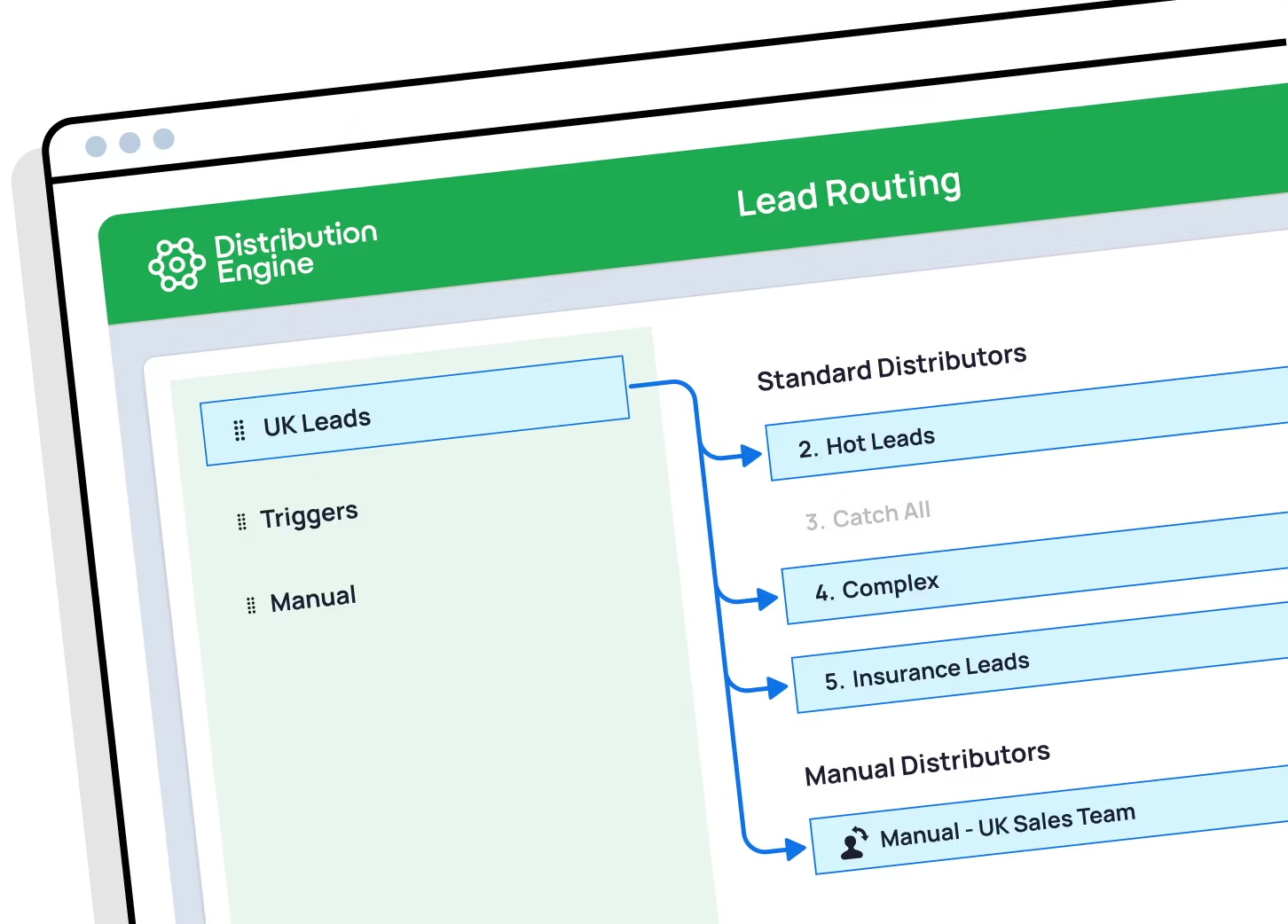
Put every lead on the clock in your own org. You can trial Distribution Engine for free, or get in touch if you'd prefer to chat.

Your questions answered.

Lead SLA management FAQs.

What is an SLA in lead management?

Does Salesforce have built-in SLAs for leads?

How does a revenue team design an inbound SLA that drives accountability across marketing and sales?

What's a good SLA for inbound lead response time?

What happens when a lead breaches its SLA?

Can I report on SLA compliance by rep?

Do SLAs respect business hours and holidays?

Does it work for Cases and support SLAs too?

How is round robin in Distribution Engine different from native Salesforce assignment rules?

Can I weight round robin so some reps get more leads?

How do I keep round robin fair when reps are on holiday or out of office?

How do I route leads by territory and still keep round robin?

Can I round robin cases and other objects, not just leads?

What happens if a rep doesn't action their lead in time?

Is it really no-code?

How does Distribution Engine compare to other round robin tools?

Is Distribution Engine Salesforce-native?

Does workload routing work alongside round robin?