Booking Engine VS Calendly.
Full scheduling inside Salesforce. Not bolted-on booking links.
High-growth teams need more than personal booking links. They need team scheduling, smart routing, and meeting handoff - all working seamlessly inside Salesforce. See why they choose Booking Engine over Calendly.
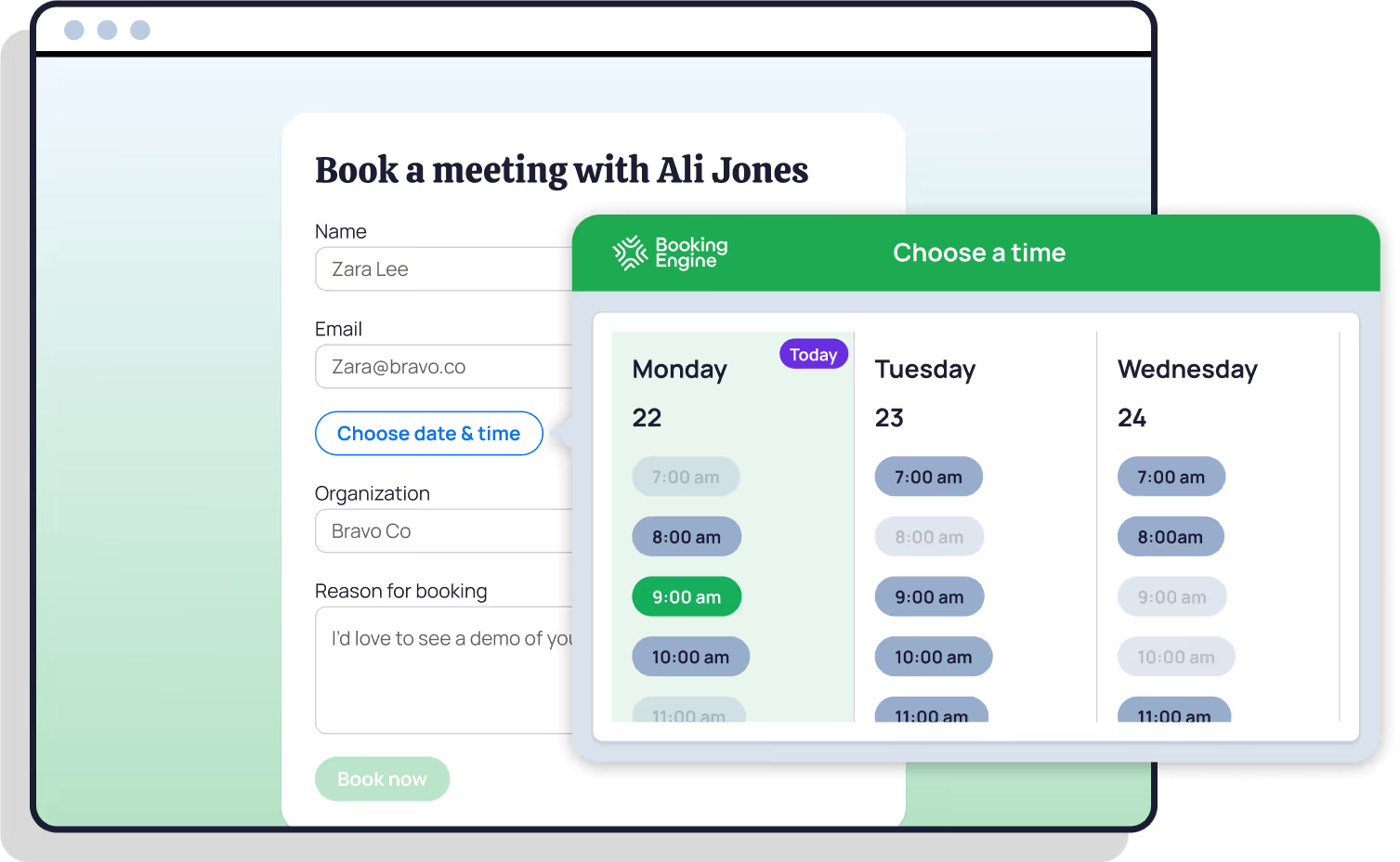
"What stood about Booking Engine is that it’s 100% Salesforce-native, which means no messy third-party sync issues. It can automatically book meetings based on routing rules and real rep availability. And it’s built for complex, fast-scaling GTM teams where handoffs aren’t occasional - they’re constant."

"Game Changer for our sales team! Booking Engine has transformed how our sales teams schedule calls and demonstrations with clients. It provides a clean, quick, and user-friendly interface that streamlines the entire booking process."

"Everyone knows booking meetings and handing over demos in Salesforce is a pain in the backside... Booking Engine solves all of these problems and takes less than 5 mins to configure."

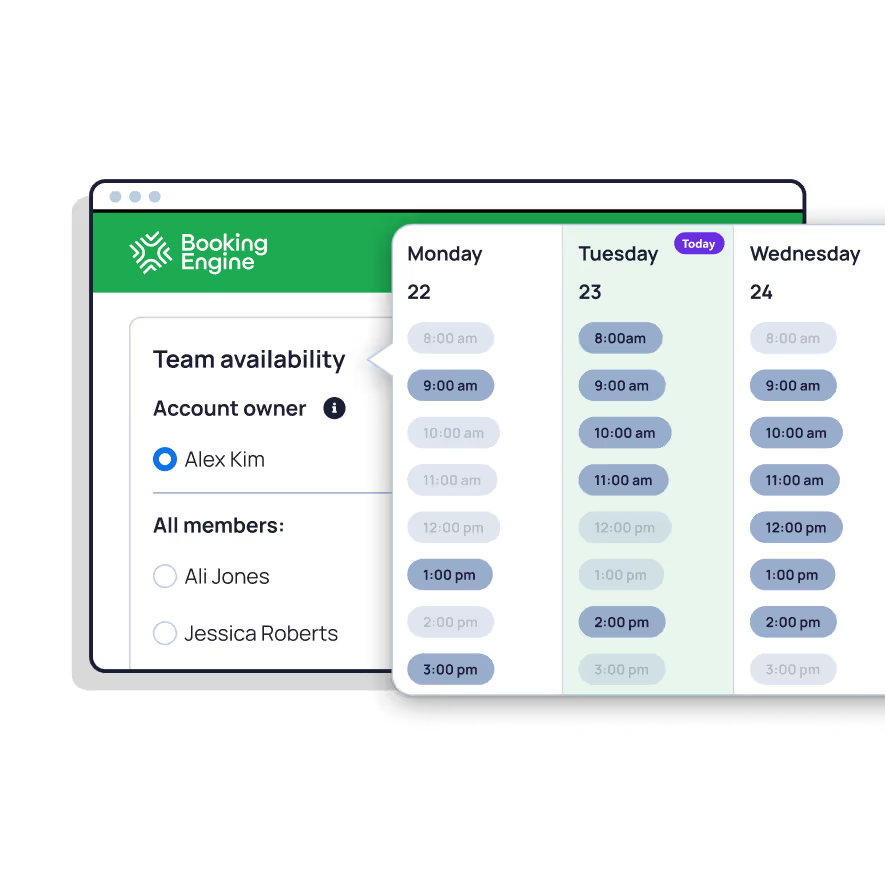
Meeting scheduling designed for teams, not just individuals.
Scheduling that works out of the box.


Smart routing without the enterprise price tag.
Transformed sales team scheduling - clean, quick, user-friendly appointment booking across the entire team

Meeting booking reduced to under 30 seconds per handoff - seamless for SDRs and sales reps alike

Super easy implementation with magnificent onboarding and prompt, always-on-point technical support

Support team described as "next level" - always available and providing a wealth of knowledge to empower business outcomes

Over 97% Lead routing accuracy every month with smart load balancing across global markets

Fundamental part of business operations - outstanding support team always there when complex needs arise
Can Calendly integrate with Salesforce without an Enterprise plan?
How does NC Squared's Booking Engine compare to Calendly for Salesforce teams?
Can I book meetings for my team from a Salesforce record with Calendly?
Can non-technical users set up Calendly's Salesforce integration?
Does Calendly sync cancellation reasons and rescheduling notes to Salesforce?
What support does Calendly provide for Salesforce setup?
What is NC Squared's Booking Engine?
Does Booking Engine support round-robin scheduling?
What calendar integrations does Booking Engine support?
Can Booking Engine scheduling links be embedded in emails or on a website?
How does Booking Engine handle follow-ups and email reminders?
Your Salesforce data deserves better than a bolted-on scheduling tool.
See Booking Engine in action - discover what Salesforce-native meeting scheduling actually looks like. See how Booking Engine replaces Salesforce Scheduler complexity with a scheduling tool your team will enjoy using. Book a free demo today.
%20dark.avif)